In this article
AI app builders can turn a prompt into screens in minutes, and developers now use AI daily. But a working demo is not a production app. This guide separates what AI genuinely does well from where it creates risk, so you can decide how to build.
Key takeaways
- Use AI for prototypes, validation and developer productivity.
- Do not treat an AI-generated prototype as a production-ready app.
- Plan architecture, security and integrations with experienced engineers.
- The safest 2026 approach is AI-assisted engineering with human code review.
What "AI app builder" really means

The phrase covers three different things, and mixing them up leads to bad decisions.
- AI app builders: you describe an app and the tool generates screens and basic functionality.
- No-code and low-code platforms: drag-and-drop builders with templates and integrations.
- AI-assisted development: professional engineers using AI coding tools inside a normal, reviewed workflow.
The rewards: where AI genuinely saves time
- Fast prototyping. Mock-ups, user flows and clickable screens for investors or user testing in days instead of weeks.
- Quicker planning. Exploring navigation options and user journeys before spending on design.
- Faster developers. Boilerplate, repetitive components and first drafts of tests.
- Cheaper validation. You can test whether people want the idea before funding a full build.
The risks: what can go wrong

1. A prototype is not a production app
Real apps need stable architecture, error handling, performance tuning, secure login and a backend that scales. Demos usually skip all of that.
2. App Store and Play Store rejection
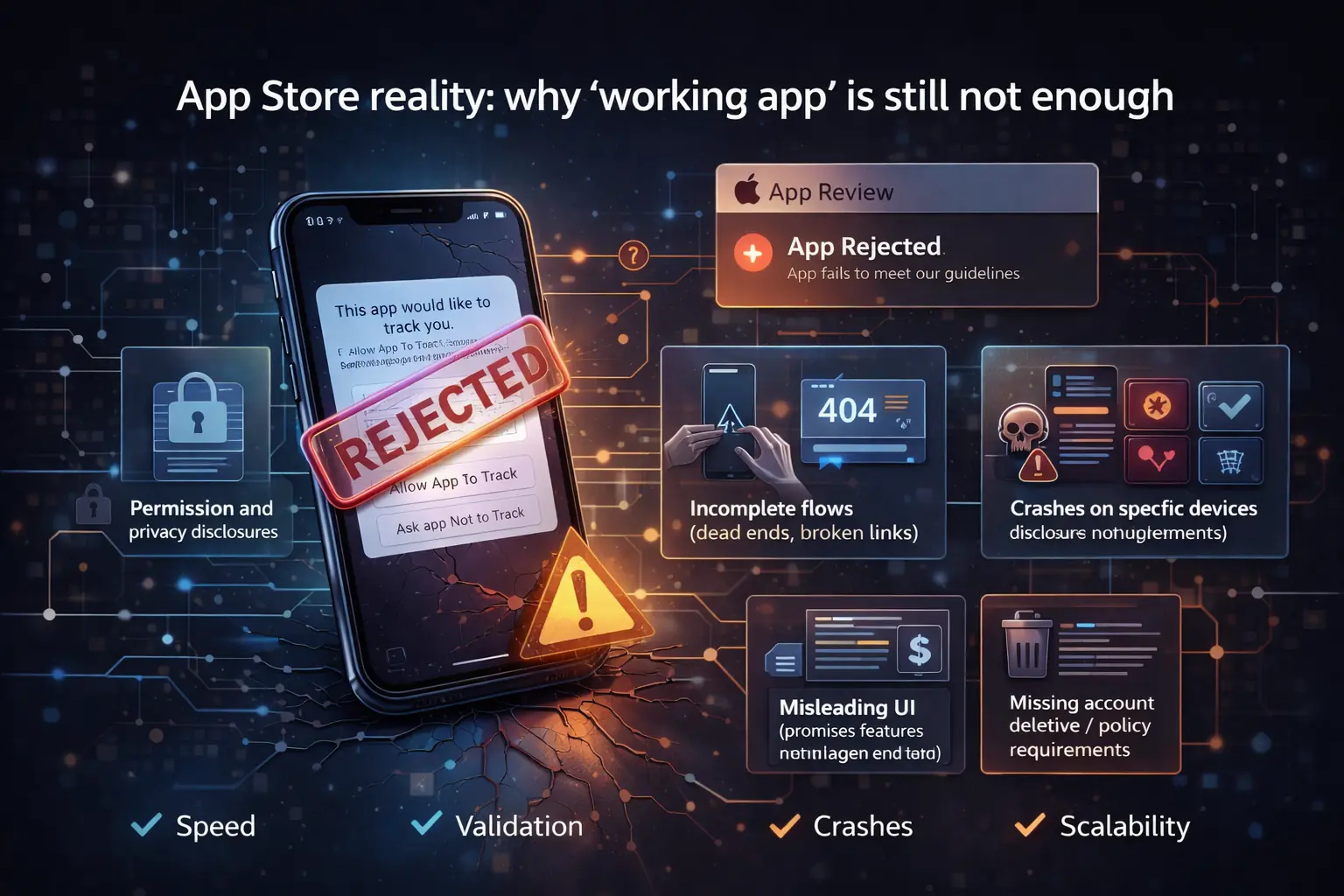
Apple's review guidelines are strict about incomplete flows, minimal functionality, privacy, permissions and misleading UI. Google Play has its own policy and target-version requirements. Apps that only "work in the demo" are often rejected.
3. More bugs and security gaps
AI-generated code can look correct yet contain subtle bugs, outdated libraries or insecure patterns. It needs the same review and testing as any other code, sometimes more.
4. Vendor lock-in
Many builders keep the code and backend on their platform. If you cannot export and own the source, you cannot move, extend or fix the app when you outgrow the tool.
5. Integrations are where it breaks
Payments, CRMs, inventory, analytics and custom APIs expose the limits of generated apps quickly.
6. Costs after launch
Hosting, infrastructure, monitoring, store updates and fixes add up over 12 to 24 months. Budget for them from the beginning.
AI builder vs no-code vs custom development
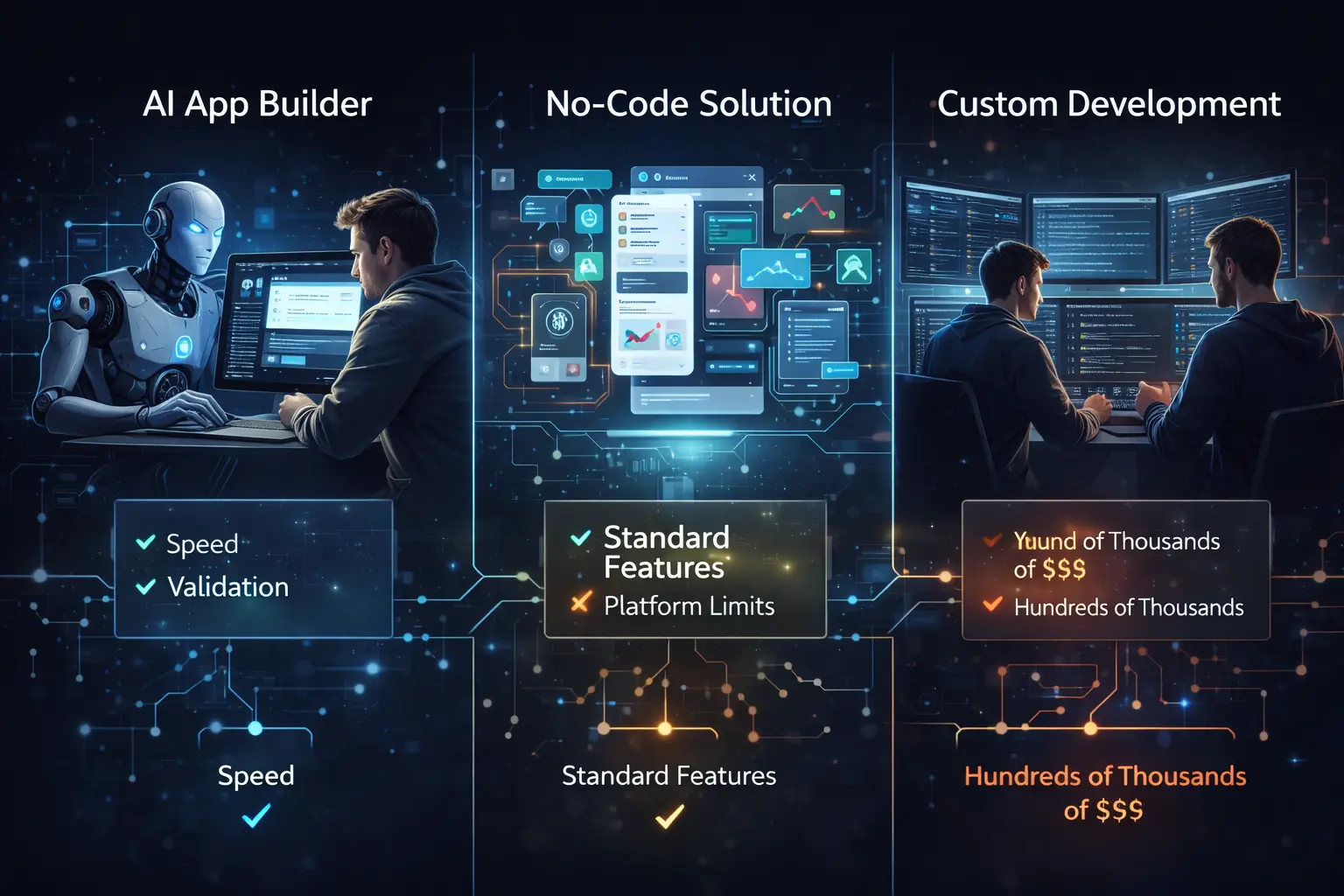
- Need to test an idea quickly: AI builder or prototype.
- Standard business app with common patterns: no-code or low-code.
- Need security, payments, roles, integrations and long-term ownership: custom development, with AI assistance.
Many successful teams combine them: prototype with AI, lock the requirements, then build the real product properly.
What you actually pay for in each approach
| AI app builder | No-code platform | Custom development | |
|---|---|---|---|
| Upfront effort | Lowest | Low | Highest |
| Ongoing cost | Platform subscription and limits | Platform subscription and per-feature fees | Hosting, maintenance and improvements |
| Flexibility | Limited to what the tool can generate | Limited to the platform's features | Built to your requirements |
| Code ownership | Often unclear, check the terms | Usually stays on the platform | You own the source code |
| Best for | Prototypes and idea validation | Simple internal tools and small apps | Apps that must scale, integrate or be secure |
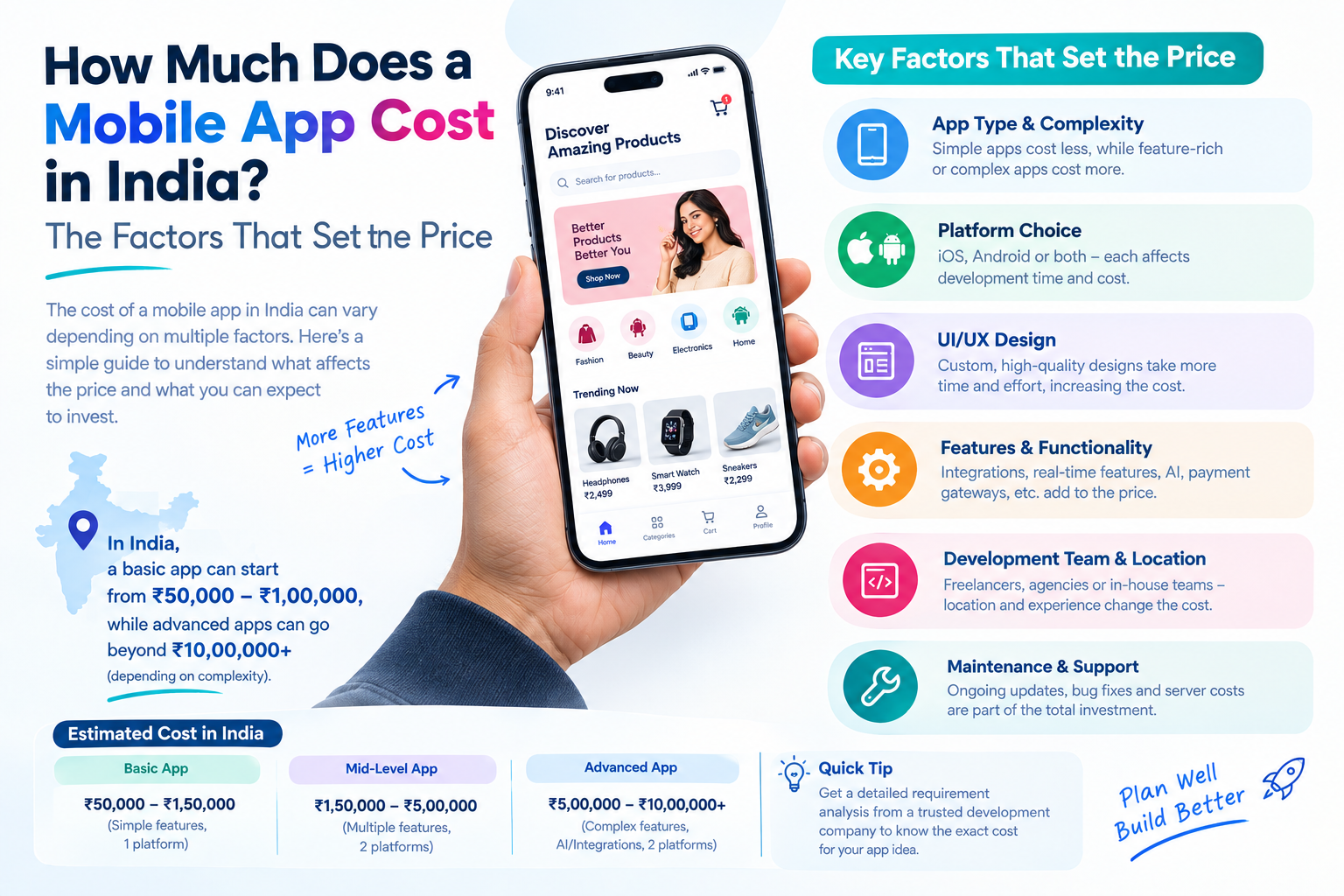
No column wins on every row. The right choice depends on how long the app must live and how much it must do. Our guide to what a mobile app costs in India explains how the custom option is priced.
Warning signs that your AI-built app needs an engineer
- The app works in the demo but crashes with real data or several users.
- You cannot add a payment, login or integration without rebuilding screens.
- A store review has rejected the app and you do not know why.
- You cannot export the code or move the backend.
- Nobody on the team can explain how data is stored or protected.
- Loading is slow on older phones.
Any one of these is a reason to bring in an experienced developer before launch, not after.
A smart approach for 2026
- Use AI to validate and explore, not to finalise.
- Define requirements, user stories and architecture with humans who have shipped apps before.
- Build with AI-assisted engineering, with code review, automated tests and security checks.
- Release in phases: MVP first, then version 1, then improvements from real user data.
If you already have an AI-generated prototype, audit it first. Decide what is reusable, what is risky and what needs a rewrite, then plan the production scope. Our mobile app development team does this kind of rescue and rebuild, and our AI development services can add real AI features once the foundation is solid. For the interface itself, see our mobile app UI/UX design.
A pre-launch checklist for any AI-generated app
- A developer has reviewed the code for security and structure.
- Login, payments and personal data follow current best practice.
- A privacy policy exists and the store data-use answers are accurate.
- The app has been tested on real Android and iOS devices, including older ones.
- Crash reporting and analytics are switched on.
- You hold the source code, the store accounts and the backend access.
- You know the monthly running cost and who maintains the app.
Building the app with AI vs adding AI to the app
These are easy to confuse. Using AI to help build an app is about how the app is made. Adding AI features, such as a chat assistant or smart search, is about what the app does for users. You can do either without the other.
If your question is about features, read our guide to AI mobile app features worth adding. If it is about how to build with AI safely, the answer in this guide applies: use AI to speed up work, and keep experienced people responsible for the result.
How we use AI in app projects
We treat AI as a tool inside a reviewed workflow. It can speed up drafts, tests and repetitive code, and engineers review and own what ships. You still receive the source code and a fixed quote. Learn more about our mobile app development services, or talk to us about your idea.
A realistic path from idea to launch
- Use an AI builder or a design tool to create a clickable prototype and test it with five to ten real users.
- Decide which features are essential after that feedback.
- Have an engineer design the architecture, the backend and the security before the real build.
- Build in short cycles with code review and testing on real devices.
- Launch to a small group, collect feedback and fix issues before the wider release.
- Plan maintenance and improvements as a regular budget item.
Using AI at step one and engineering from step three onward gives you the speed of AI with the reliability of a properly built product.
Questions to ask before choosing an AI builder
- Can I export the full source code, and in what format?
- Where is my data stored, and can I move it?
- What happens to my app if the tool changes its prices or shuts down?
- Which store requirements does the tool help me meet, and which are my responsibility?
- What are the limits on users, storage and integrations at each plan?
If the vendor cannot answer these clearly, treat the tool as a prototyping aid and not as the home of your product. Our AI development services team can also advise on the safest route for your idea.
Frequently asked questions
Can AI build an Android and iOS app without coding?
Yes, AI app builders can help create Android and iOS apps with little or no coding. They can generate layouts, basic features, and parts of the application from text prompts. However, complex functionality, third-party integrations, performance optimization, and app store requirements may still require technical expertise and manual testing.
Is an AI-generated mobile app secure enough for business use?
An AI-generated mobile app can be secure enough for business use if it undergoes proper security reviews and testing. Businesses should check authentication, data encryption, API security, user permissions, and data privacy before launch. AI-generated code should not be considered secure by default, especially when the app handles sensitive customer or payment information.
What are the hidden costs of AI app builders?
AI app builders may involve additional costs beyond the initial subscription. These can include premium features, API usage, cloud hosting, database services, third-party integrations, app store accounts, maintenance, and security testing. Businesses should evaluate the total cost of building, launching, and maintaining the app before selecting a platform.
Can I own and export the source code from an AI app builder?
Source code ownership and export options depend on the AI app builder's terms and subscription plan. Some platforms allow users to export code, while others restrict access or require a paid plan. Before choosing a platform, review its licensing terms, code export options, intellectual property rights, and the ability to maintain or migrate the app independently.
When should a business choose custom mobile app development?
A business should consider custom mobile app development when it needs unique features, complex integrations, stronger control over security, scalable architecture, or long-term flexibility. Custom development is also useful when an app must integrate with existing business systems or support specific operational requirements. Working with an experienced development team can help businesses build an app tailored to their goals and future growth.