In this article
There are hundreds of SEO tools, and most teams only need a handful. This list covers the tools we reach for in client audits, what each one is best at, and which free options give you the most value. The honest summary: tools collect data, but strategy is what ranks websites.
Key takeaways
- Start free: Google Search Console and Google Keyword Planner cover a lot.
- Pick one all-in-one suite (Ahrefs or Semrush) rather than paying for both.
- Add a crawler such as Screaming Frog or Sitebulb for deeper technical checks.
- Use a content tool like Surfer only once your keyword and topic plan is solid.
How to choose an SEO tool
Decide the job first. Keyword research, technical audits, content optimization and rank tracking are different jobs, and no single tool is the best at all of them. Then match budget and team skill: a solo founder needs simplicity, an agency needs reporting and multi-site support.
Pricing and limits change often, so check each vendor's current plans before you buy. Most paid tools offer a trial or a limited free tier.
Best all-in-one suites
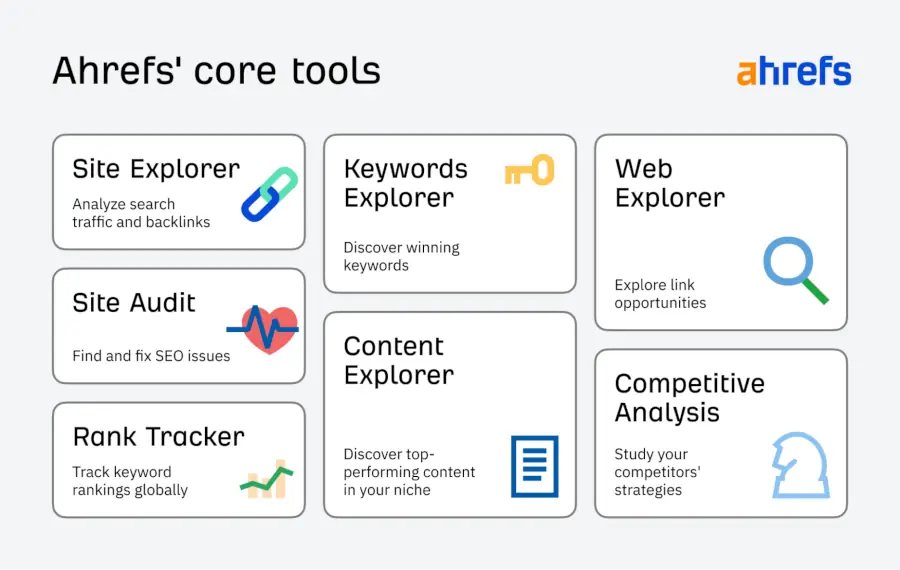
1. Ahrefs: best for competitive research and backlinks
Ahrefs has a large keyword and backlink database. Its Site Explorer shows what competitors rank for, Content Gap reveals topics you are missing, and Keyword Explorer helps with long-tail ideas and traffic potential. Ahrefs Webmaster Tools is a free option for auditing your own site.
2. Semrush: best for audits and marketing reporting
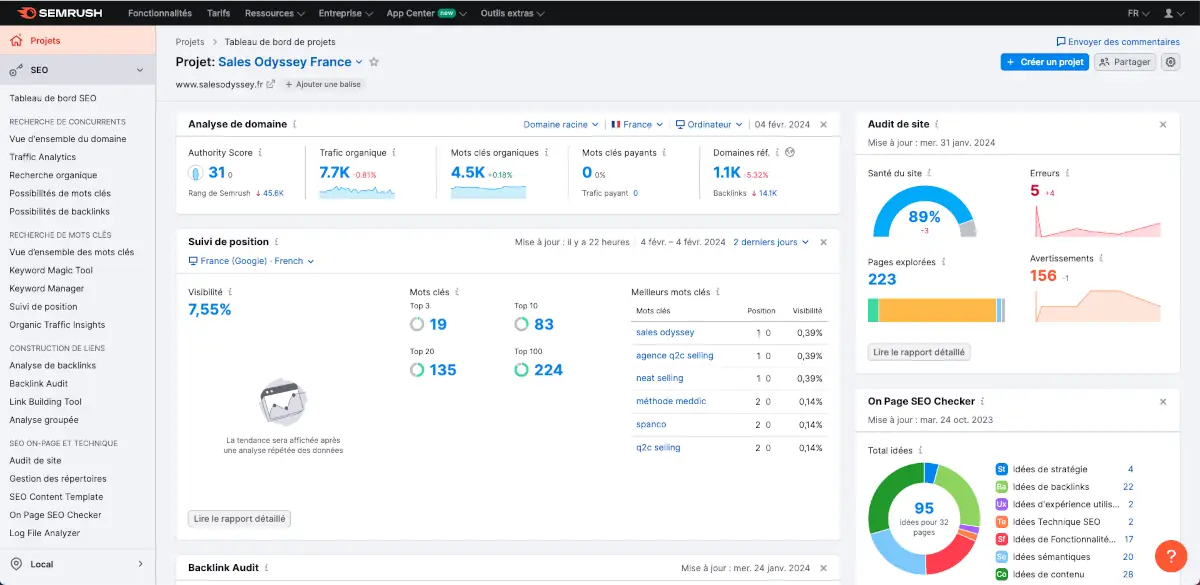
Semrush covers site audits (crawlability, indexability, Core Web Vitals), position tracking, an on-page checker and a Keyword Magic Tool. It suits teams that want SEO, content and competitor reporting under one login.
3. Moz Pro: best for beginners and domain metrics
Moz is known for Domain Authority and Page Authority, and offers friendly keyword and link analysis for people starting out. Remember that third-party authority scores are estimates, not Google metrics.
Best free SEO tools
4. Google Search Console: the most important free tool
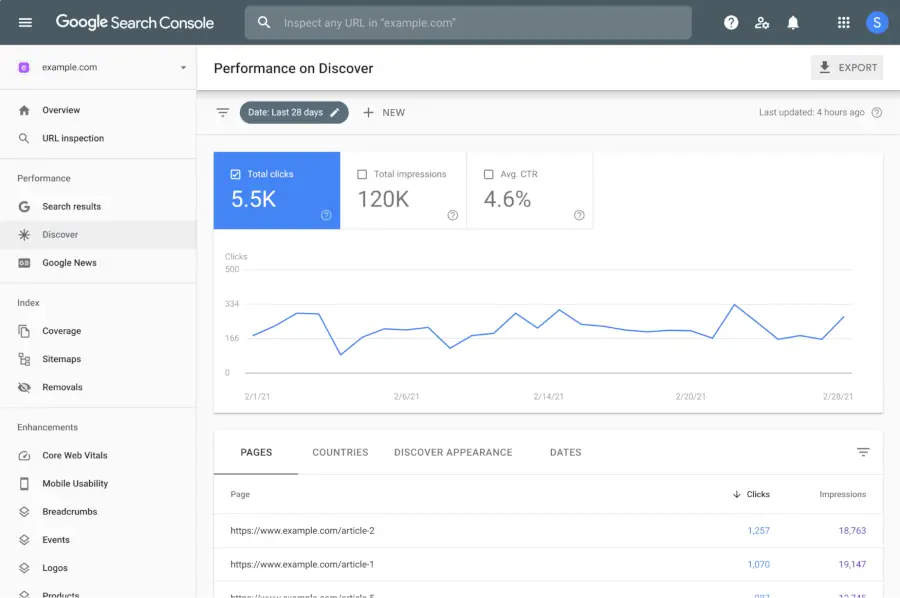
It shows the queries you already appear for, clicks, impressions, click-through rate, indexing problems and Core Web Vitals. Every site should have it set up. It is the only source of data that comes straight from Google.
5. Google Keyword Planner: best for commercial intent
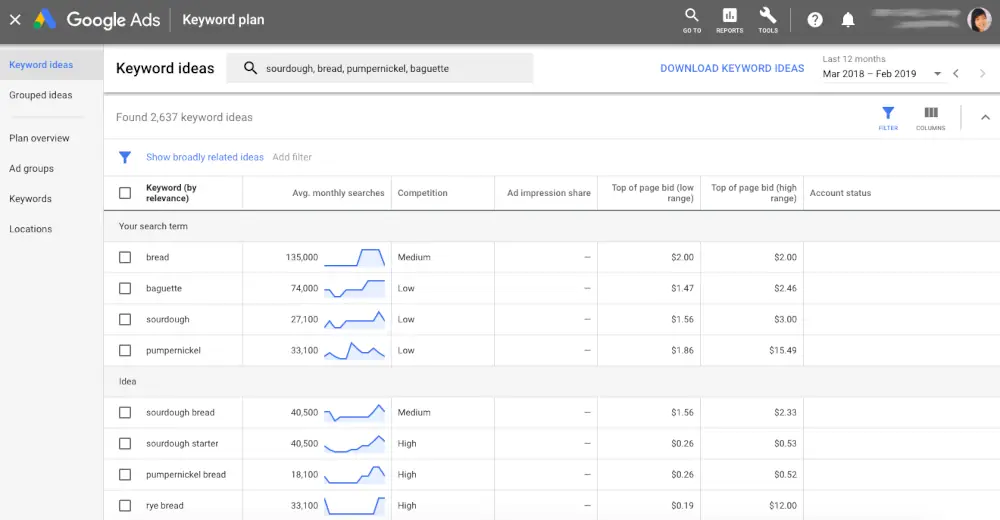
Built into Google Ads, it gives search volume ranges and cost-per-click estimates that hint at buyer intent. It is especially useful for local and seasonal demand.
6. Google Analytics 4 and PageSpeed Insights
GA4 shows what visitors do after they land, which tells you which pages actually produce leads. PageSpeed Insights reports real-user Core Web Vitals so you can see whether speed is holding you back.
Best technical SEO tools
7. Screaming Frog SEO Spider: best crawler
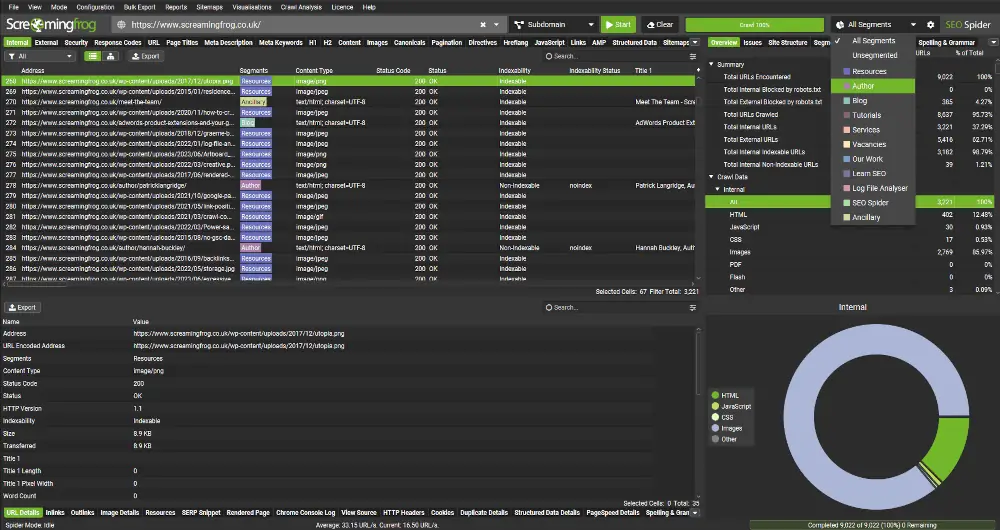
It crawls your site like a search engine and lists broken links, redirect chains, duplicate titles, missing canonicals and hreflang issues. The free version crawls a limited number of URLs, which is enough for small sites.
8. Sitebulb: best visual crawler
Sitebulb turns crawl data into clear reports and charts, with prioritized hints. It is a good fit when you need to explain technical issues to non-technical stakeholders.
Best content and on-page tools
9. Surfer SEO: best for content optimization
Surfer analyzes top-ranking pages and suggests terms, headings and length so your draft covers a topic fully. Use it to improve a good draft, not to replace thinking.

10. Keywords Everywhere and Ubersuggest: quick, budget-friendly help
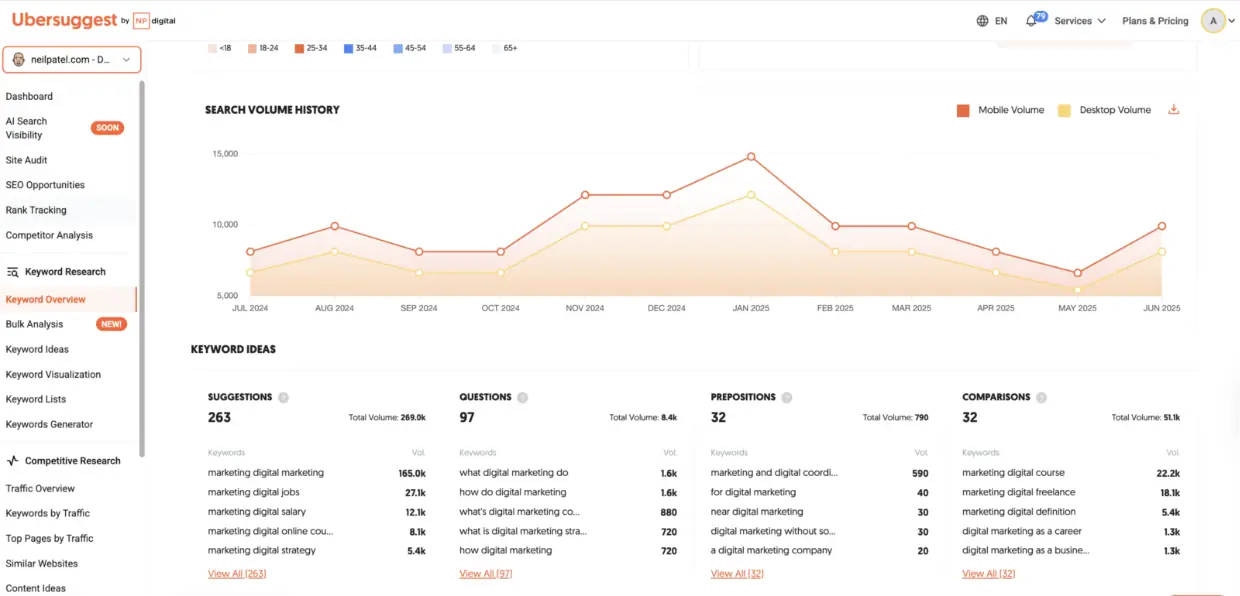
Keywords Everywhere shows search volume and related searches right inside Google results. Ubersuggest gives keyword ideas, a basic audit and competitor overview at a lower cost, which suits beginners.
How the tools fit together in one workflow
Tools work best as a chain, where the output of one becomes the input of the next. A simple workflow looks like this:
- Find what already works: Google Search Console shows the queries and pages that already bring impressions and clicks.
- Research opportunities: Ahrefs, Semrush or Keyword Planner reveal related keywords, competitor pages and topic gaps.
- Check the foundations: a crawler such as Screaming Frog finds broken links, redirect chains and missing tags before you create more content.
- Plan and write: build an outline from the search intent, then use a content tool to check you have covered the topic fully.
- Publish and track: watch rankings, clicks and conversions in Search Console and Google Analytics.
- Report and repeat: review the numbers each month and choose the next three fixes.
Following one chain is far more effective than opening each tool in turn without a plan.
Quick comparison
| Tool | Best for | Cost model |
|---|---|---|
| Google Search Console | Real Google data on queries, clicks and indexing | Free |
| Google Keyword Planner | Search volume ranges and commercial intent | Free with a Google Ads account |
| Google Analytics 4 | What visitors do after they land | Free |
| Ahrefs | Competitor research and backlinks | Paid, with a free tool for your own site |
| Semrush | Audits, tracking and reporting in one place | Paid, check current plans |
| Screaming Frog | Technical crawling | Free for small crawls, paid for larger sites |
| Sitebulb | Visual technical reports | Paid, check current plans |
| Surfer SEO | Optimizing a draft against top results | Paid, check current plans |
Prices and plan limits change often, so check each vendor's current page before you decide.
Which SEO tool should you choose?
- Tight budget: Google Search Console, Keyword Planner, GA4, PageSpeed Insights and free Screaming Frog.
- Serious content and link building: add Ahrefs or Semrush.
- Large or technical sites: add Screaming Frog (paid) or Sitebulb.
- Content teams: add Surfer once the topic plan is clear.
Resist the urge to stack five suites. Two or three tools you use properly beat ten you open once a month.
Tools for local and small businesses
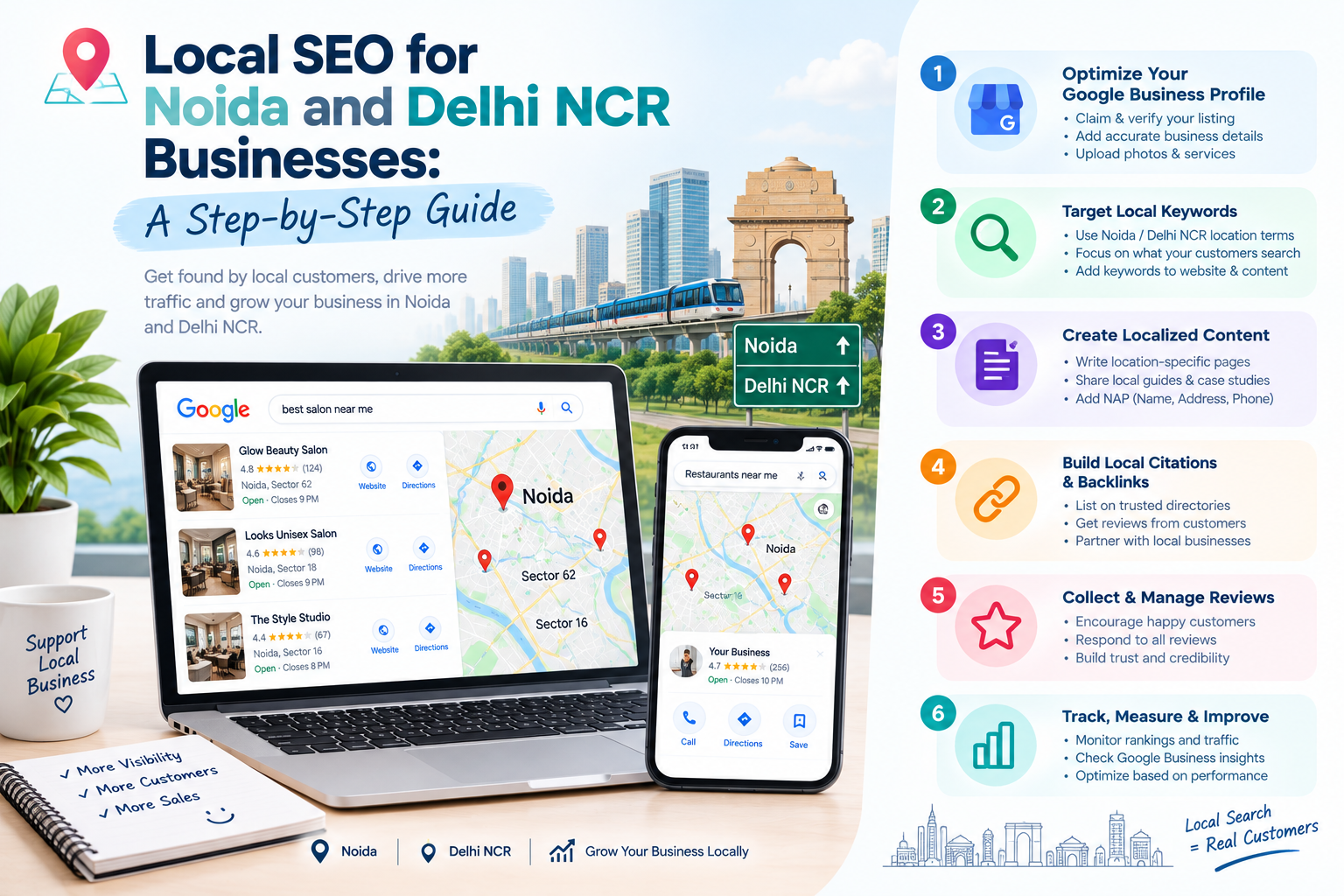
If you serve customers in one city or area, you do not need an expensive suite to start. A handful of free tools covers the basics:
- Google Business Profile for map visibility, calls and direction requests.
- Google Search Console for the queries that include your location.
- Google Analytics 4 for which pages produce enquiries.
- Keywords Everywhere or Keyword Planner for local phrasing and seasonal demand.
- A free crawl with Screaming Frog to fix broken links and missing titles.
Our local SEO guide for Noida and Delhi NCR explains how to use these together.
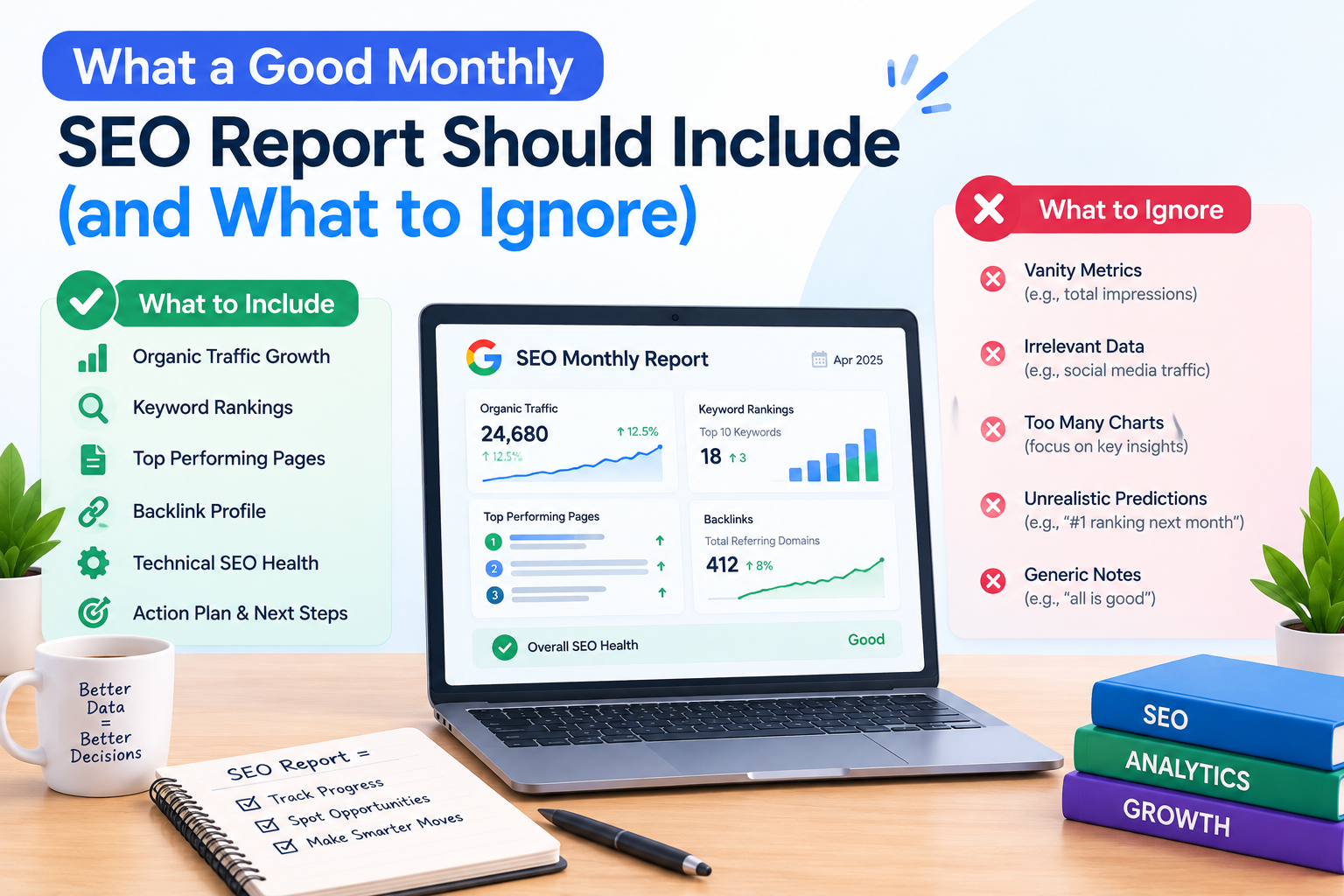
A monthly SEO routine using these tools
- Week 1: review Search Console for queries gaining impressions and pages losing clicks.
- Week 2: fix technical issues found in a crawl, starting with the ones affecting key pages.
- Week 3: update one or two articles that nearly rank, and publish one new, well-researched piece.
- Week 4: check conversions in Analytics, review competitors for new topics and write the next month's plan.
Fifteen focused hours a month with a few tools beats an occasional all-night audit that nobody acts on.
Mistakes to avoid when buying SEO tools
- Paying for several suites that overlap.
- Buying a tool before you know what job it must do.
- Trusting third-party authority scores as if they were Google metrics.
- Collecting reports and never turning them into tasks.
- Following every automated suggestion without judging whether it helps the reader.
Final thoughts
Tools do not rank websites; strategy does. The value is in turning the data into a plan: which pages to fix, which topics to write and which links to earn. If you would rather have that done for you, our SEO and digital marketing team runs audits and builds the roadmap. You can also read our guide on whether SEO services are worth it.
A beginner's setup: your first hour with these tools
- Verify your site in Google Search Console and submit your sitemap.
- Connect Google Analytics 4 and mark enquiries or calls as conversions.
- Run a free crawl and fix broken links and missing page titles.
- Pick five pages that matter most and note their current clicks and impressions.
- Write down three questions your customers ask, and check whether you have a page that answers each.
That hour gives you a baseline and a short to-do list, which is worth more than any paid subscription on its own.
Frequently asked questions
What is the best free SEO tool?
Google Search Console. It shows how your site performs in Google Search and reports indexing and usability problems directly from Google.
Do I need both Ahrefs and Semrush?
Usually not. Both cover keywords, competitors and audits well. Pick the one whose interface and data suit you, and add specialist tools only where there is a gap.
Can SEO tools guarantee rankings?
No. They give data and suggestions. Rankings depend on content quality, site health, authority and competition.
Which tool is best for technical SEO audits?
Screaming Frog or Sitebulb for in-depth crawling, plus Google Search Console and PageSpeed Insights for what Google itself reports.
How many SEO tools do I really need?
Most small businesses are well served by Google Search Console, Google Analytics, Keyword Planner and one crawler. Add a paid suite only when you have a clear need, such as competitor and backlink research.